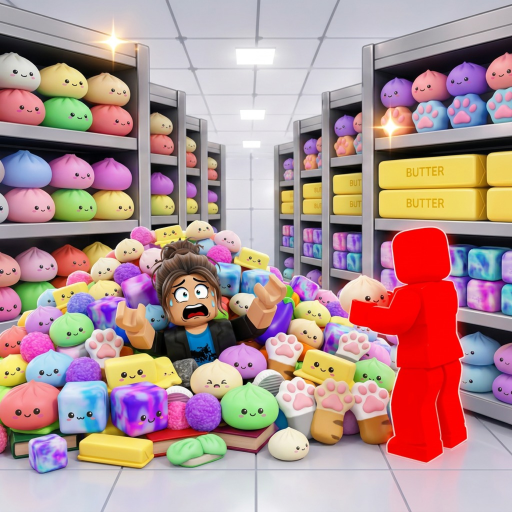
CleanTheSquishies
First-run guide

Clean the Squishies Beginner Guide

Learn the official controls, clean one repeatable area at a time, divide the shop in co-op, and use your own split times to improve the next run.

Quick answer

Start small, repeat the route, then change one thing

Do not begin by sprinting toward every squishy you can see. Test the input controls, choose a recognizable part of the shop, and finish that area before moving. A repeated route gives you something useful to compare; Route Lab can time each area without pretending it knows an official fastest path.

Walkthrough

Your first cleanup route

These steps use only the public controls and loop. Area names and timing targets remain yours.

  1. 1

    Learn pickup, place, and drop

    On PC, the public control list assigns E or click to pickup and place, and also lists E for drop. On controller, RT handles pickup/place and LT handles drop. Test the action with one nearby squishy before trying to move quickly.

  2. 2

    Clear a small area first

    Choose one shelf, aisle corner, or other area you can recognize. Finish the nearby mess before crossing the shop. This gives you a simple route you can repeat and makes it easier to notice where time was lost.

  3. 3

    Name the areas in Route Lab

    Open Route Lab and enter your own area labels in the order you want to visit them. Public material did not provide reliable official zone names, so your labels should match what you see in your current server.

  4. 4

    Split the shop in co-op

    When friends join, assign each player a different area before the run begins. The official experience supports up to 20 players, but the best group size depends on your route and server—not a rule from this guide.

  5. 5

    Record one split per area

    Start the browser timer, then record a split whenever an area is complete. Compare the same route over several runs. Change one order or assignment at a time so you can tell whether it helped.

  6. 6

    Review upgrades between runs

    The game confirms that upgrades and abilities exist, but their public names, costs, and effects were not available when this guide was checked. Read the in-game description before spending and avoid tier lists that cannot name their evidence.

If you are stuck

Fix the input or route first

Pickup and drop feel inconsistent

The public description assigns E to pickup/place and drop, and LT to drop and hold-to-squish. Slow down and test the input while holding versus not holding a squishy.

You keep crossing the shop

Reduce your plan to two or three recognizable areas. Finish nearby work before taking a long path.

Friends chase the same pile

Assign one owner per area before the timer starts. Leave a zone unassigned only when everyone knows it is shared.

Common mistakes

What slows a first run

Wandering toward the brightest item

It breaks route memory and makes split comparisons meaningless.

Changing every step after one run

Change one order or assignment so you can see what caused the difference.

Trusting an unsupported upgrade ranking

The game has upgrades, but this site has not collected a reliable public table of their names and effects.

FAQ

Beginner questions

What should I do first in Clean the Squishies?

Test pickup, place, drop, and squish controls with one nearby item, then clear one small area instead of chasing every visible squishy.

Can I play Clean the Squishies with friends?

Yes. The official Roblox description says players can clean alone or with friends. Assign different areas to reduce duplicate work.

What should I upgrade first?

This guide does not rank upgrades because a reliable public list of names, costs, and effects was not available. Choose only after the in-game screen explains the benefit.

Does Route Lab know the official fastest route?

No. You create the area labels and order. Its browser timer helps compare your own runs and does not submit to the Roblox leaderboard.

Next action

Turn the steps into your route